v0.3.0 is out · Windows and Linux · free and open source
Why is my C: drive full?
Ebb scans your drive and tells you, in plain words, what's using the space and whether it's safe to remove. Then it cleans up only what you approve.
Windows 10/11 or 64-bit Linux · nothing to install · source on GitHub
What it finds
Not just where the space went. What it is.
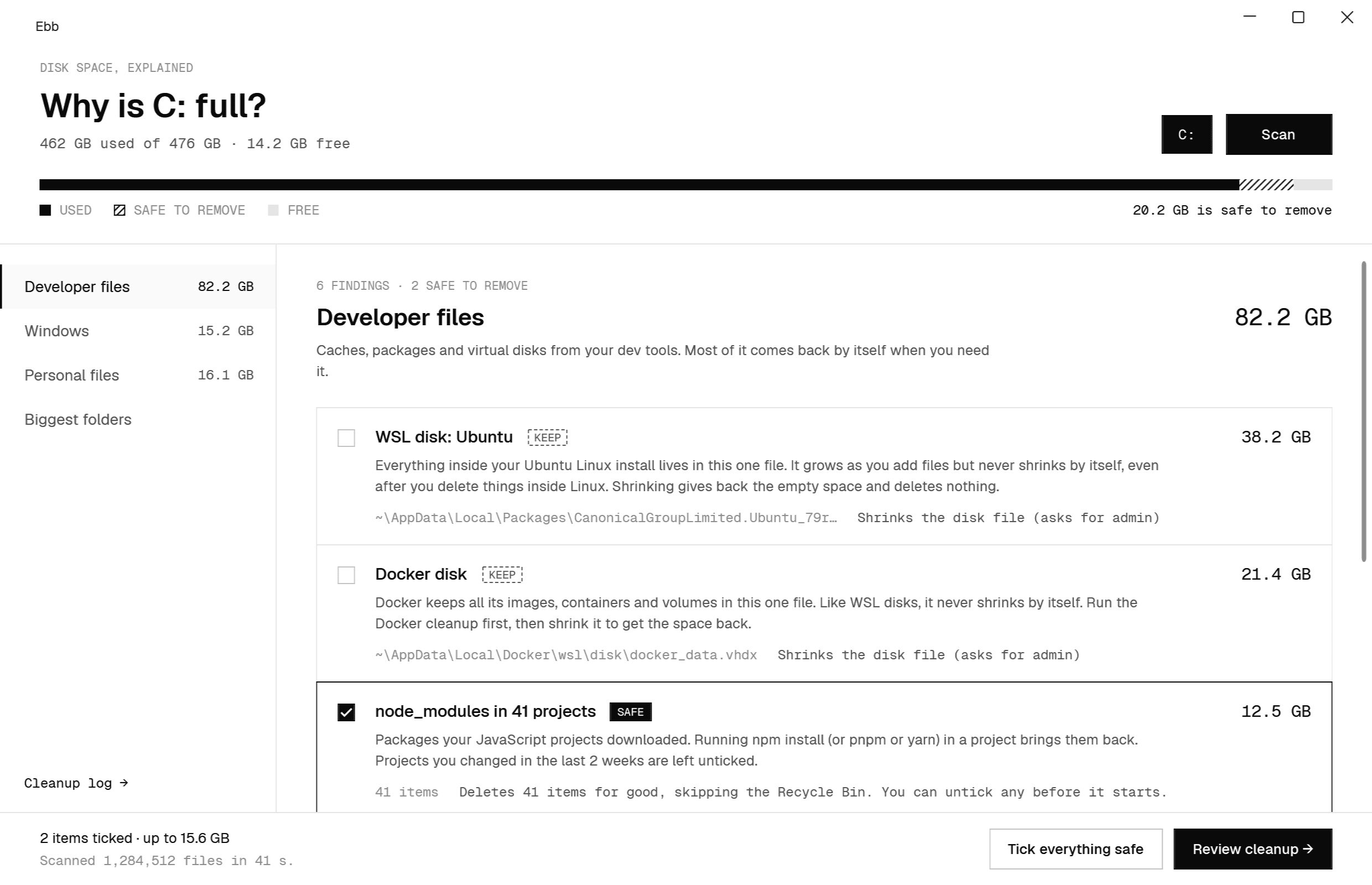
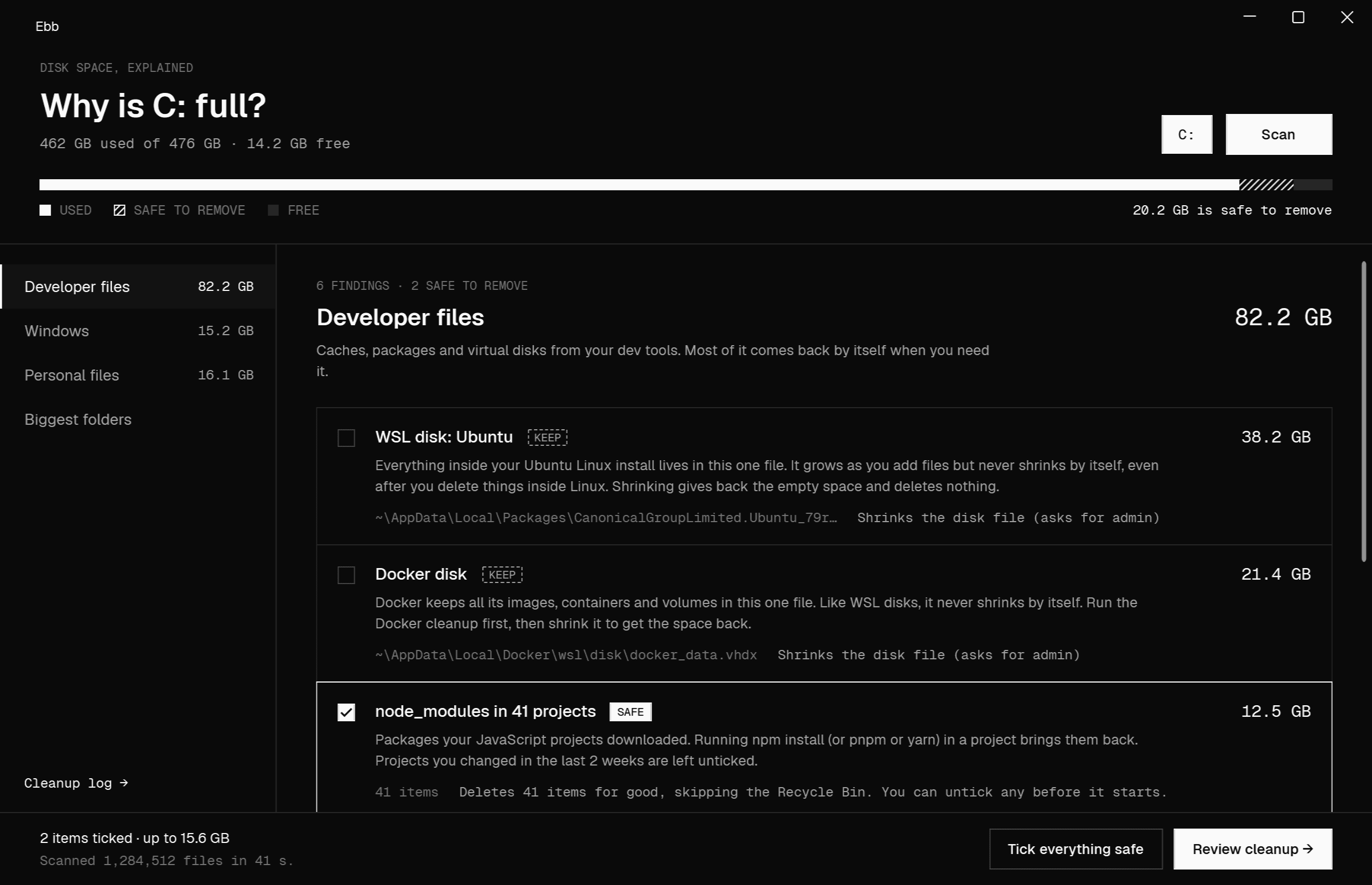
Most disk tools show you big folders. Ebb recognises what's inside them, especially the developer files other tools can't explain: WSL and Docker disks, node_modules, package caches and old SDKs.
Developer
- WSL disks (
ext4.vhdx) - Docker disk and leftovers
node_modulesin your projects- npm, NuGet, pip, Yarn, pnpm caches
- Older .NET SDKs
- Visual Studio caches
Windows
- Temporary files
- Windows Update downloads
- Upgrade leftovers,
Windows.old - Old system file versions (WinSxS)
- Hibernation file, page file
- Recycle Bin
Personal
- Old installers and zips in Downloads
- Large videos
- Exact duplicate files
Every finding has a verdict
Safe, check first or keep. With the reason.
Each card says what the thing is, why it's there and what cleaning it would do, before you tick anything.
Fine to remove
It comes back by itself or isn't needed. Caches, temp files, node_modules.
Look first
Probably fine, but it's yours or it changes something. Old installers, big videos, duplicates.
Don't delete it
You need it, but there may still be a safe fix, like shrinking a WSL or Docker disk.
How it works
Nothing changes until you press Clean up.
- 01
Tick what you want to clean
Or press Tick everything safe. Nothing happens yet.
- 02
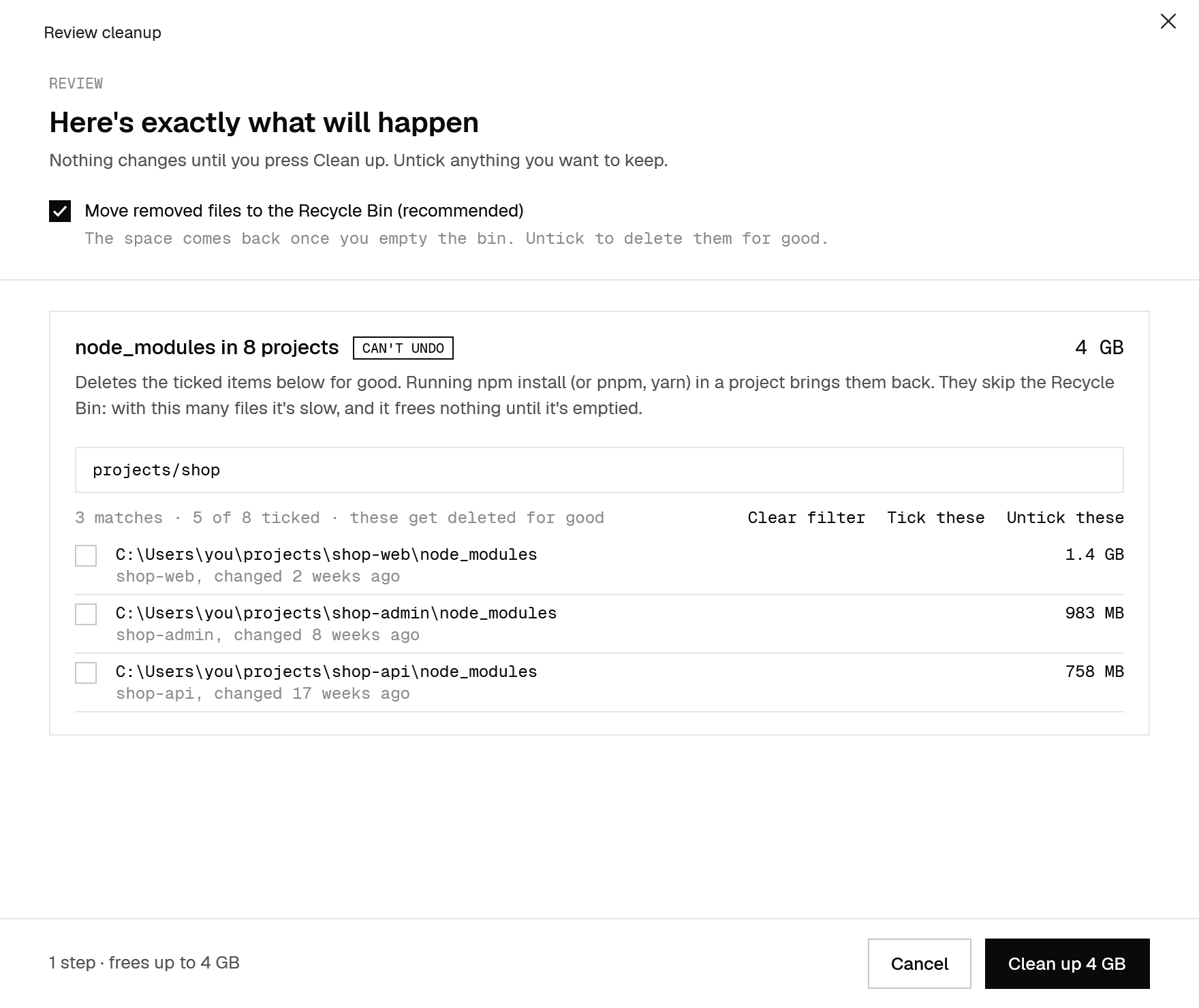
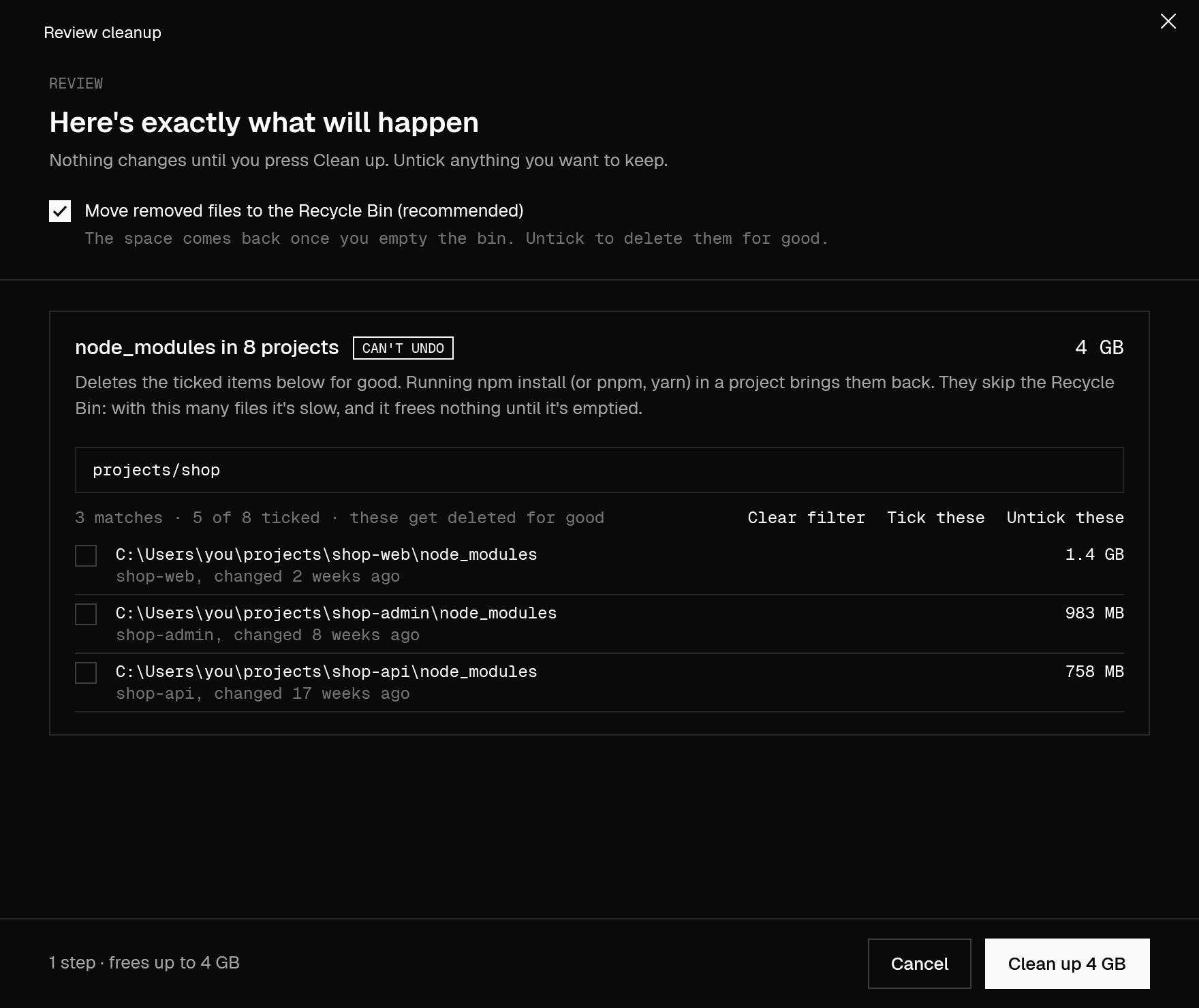
Review the exact plan
Every file and folder with its size and a tick box, plus the exact command for anything that runs one. Long lists have a filter: type Desktop/count, then Untick these.
- 03
Clean up
Ebb does only what you approved, then shows what it freed and writes it all to a log.
Safety
Built so you can't lose what matters.
Cleaning tools have one job they must never get wrong. These rules are in the code, not in a settings page.
Recycle Bin by default
node_modules, fast
Each tool's own cleanup
dotnet nuget locals all --clear
npm cache clean --force
pip cache purge
yarn cache clean
pnpm store prune
Never touches system files
Checked twice
Everything is logged
%LOCALAPPDATA%\Ebb\cleanup-log.jsonl, so you can always see what went.WSL and Docker
Get back the space Linux already gave up.
WSL and Docker keep everything in a .vhdx file that grows but never shrinks, even after you delete things inside. Ebb compacts it and deletes nothing. For Docker, quit Docker Desktop first.
# 1 · let Linux mark its free space
wsl -d Ubuntu -u root -e fstrim -a

# 2 · stop WSL so the file is closed
wsl --shutdown

# 3 · compact it (asks for admin)
Optimize-VHD -LiteralPath ext4.vhdx -Mode Full

# no Hyper-V? diskpart, attached read-only
attach vdisk readonly · compact vdisk
Admin steps run in Ebb.Helper.exe, a small separate program that only does three fixed things. Windows asks you each time.
Linux
The same Ebb, on Linux.
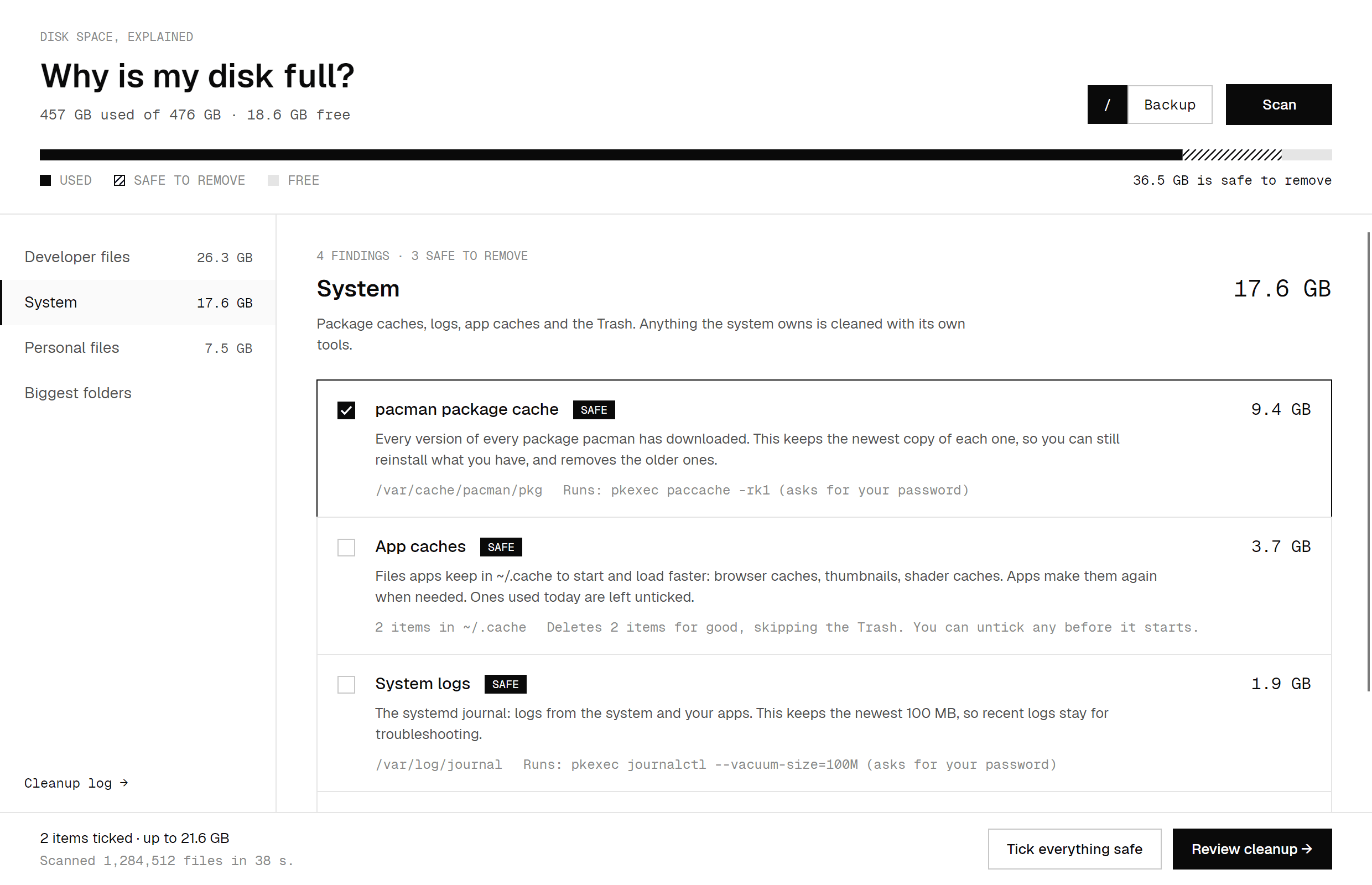
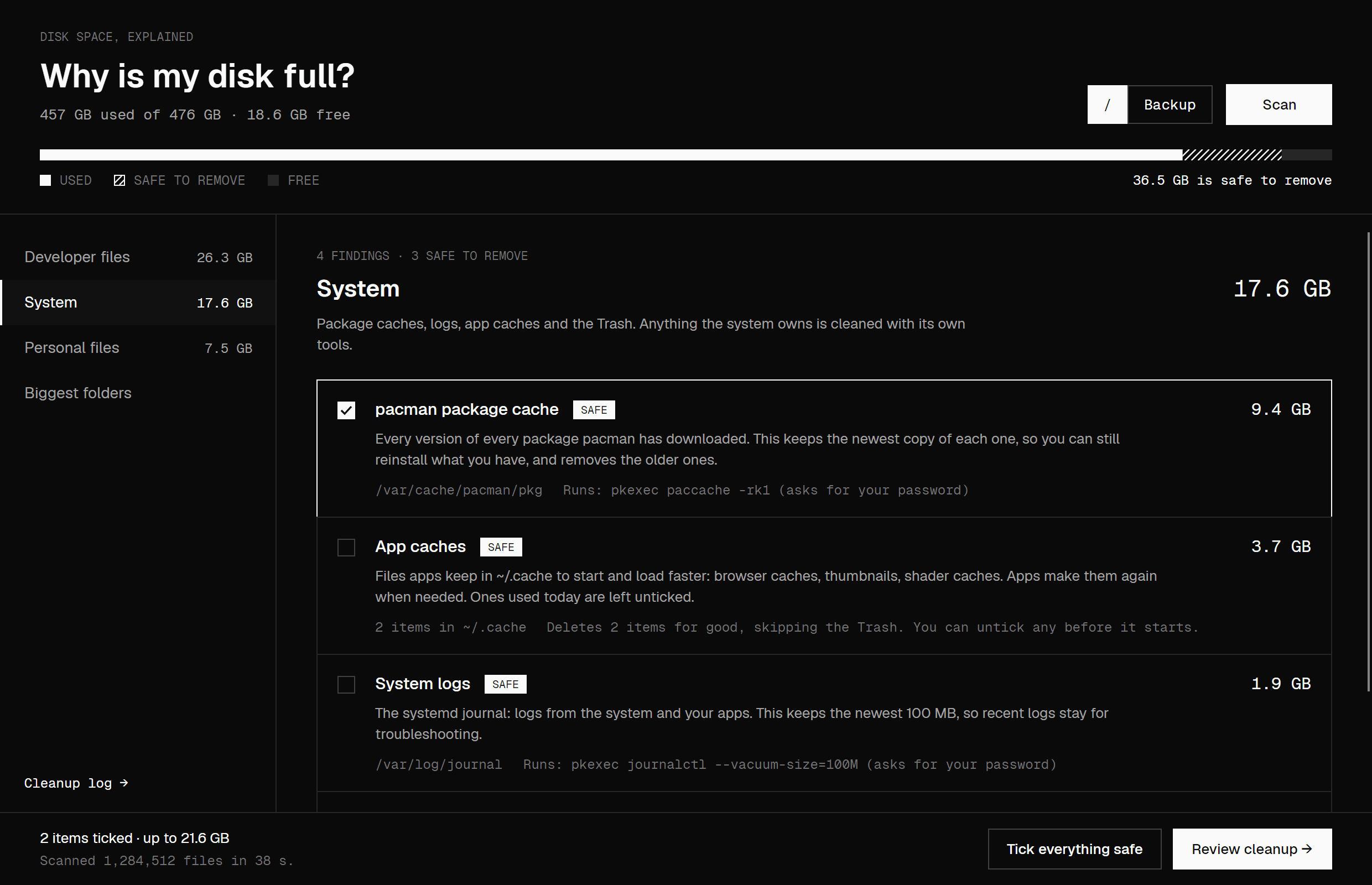
For Linux on Intel, AMD and ARM: Arch and Omarchy, Ubuntu, Fedora and others. It knows where Linux keeps things, uses the Trash like your file manager does, and steps that need root ask for your password first.
Also finds
- pacman, apt or dnf package cache
- The systemd journal, keeping the newest 100 MB
- Unused Flatpak runtimes
- App caches in
~/.cache - yay and paru build files
- Old Snap versions
- The Trash, on every drive
sudo apt install ./ebb_*_amd64.deb
tar -xzf Ebb-*-linux-x64.tar.gz
cd Ebb-*-linux-x64 && ./install.sh
On ARM, like a Raspberry Pi or an Asahi Mac? Get the arm64 tarball or arm64 .deb. ./install.sh --uninstall removes the tarball install again.
FAQ
Questions
Is Ebb free?+
Yes. It's open source under the MIT license. No ads, no account, no upsell.
Does it work on Linux?+
Yes, on Intel, AMD and ARM: Arch and Omarchy, Ubuntu, Fedora and others. Instead of Windows' leftovers, its System page covers package caches, the journal, Flatpak, Snap and ~/.cache, and removed files go to the Trash.
Why does Windows say “Windows protected your PC”?+
Ebb isn't code-signed yet, so SmartScreen doesn't recognise it. Click More info, then Run anyway. Every line of the code is on GitHub.
Which download should I get?+
On Linux: the .deb on Ubuntu or Debian, or the tarball (39 MB) anywhere else. On Windows, the main download (72 MB) has everything it needs. If you already have the .NET 8 Desktop Runtime, the small one (3 MB) does the same thing.
Can I undo a cleanup?+
Files go to the Recycle Bin (the Trash on Linux) by default, so you can restore them from there. node_modules is deleted for good, but npm install brings it back. Everything removed is in the cleanup log.
Does it need admin rights?+
On Windows, only to shrink a WSL or Docker disk, turn hibernation off, or run Windows' component cleanup, and Windows asks you each time. On Linux, cleaning the package cache or system logs runs that tool through pkexec, which asks for your password. Everything else runs as you.
Does it send my data anywhere?+
No. Ebb doesn't connect to the internet. No account, no tracking, no telemetry.
See what's filling your drive.
One scan, a plain answer, and nothing deleted until you say so.